commercetools to Shopify

Migrate to Shopify. Keep your data moving.

Move your customers, orders and product catalogue from commercetools to Shopify. Keep product and customer data current while you build, test and prepare to launch.

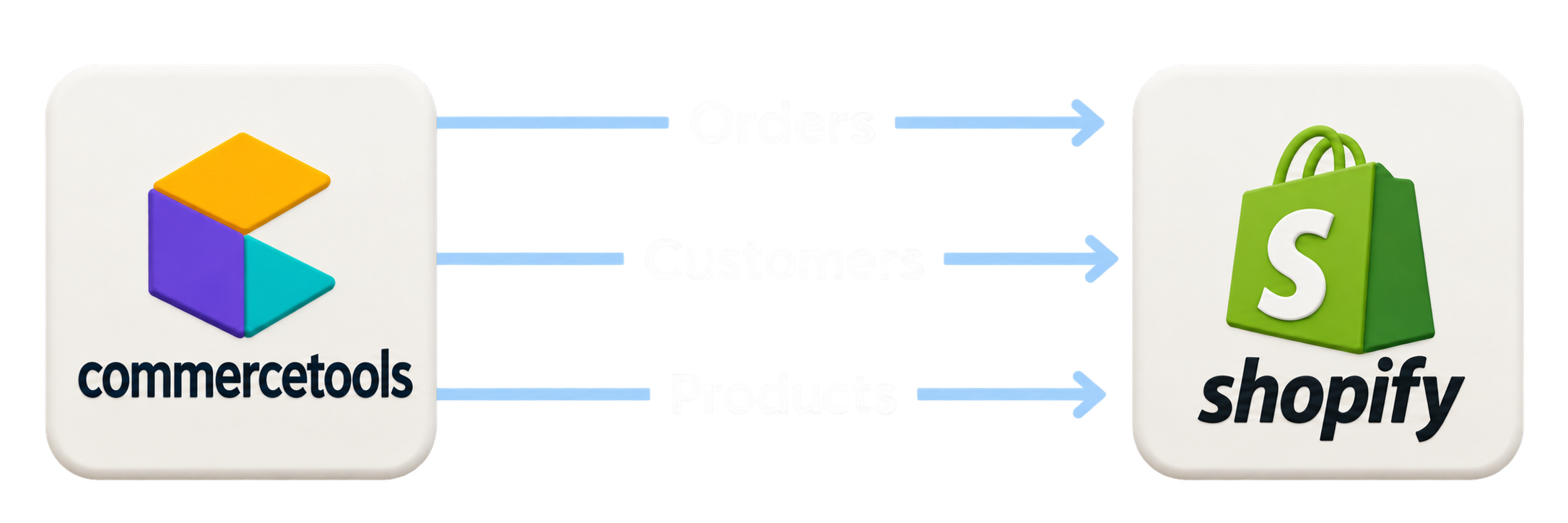
Orders, customers and products flowing from commercetools to Shopify

01 Connect

Connect commercetools

02 Import & Sync

Import and sync to Shopify

03 Transition Ready

Keep Shopify transition-ready

An ongoing connection

Connect customer, order
and SKU data.

Your business keeps moving during a migration. Start with an initial import, then carry changes from commercetools into Shopify as your team prepares the new store.

One data flow. From first import to launch.

commercetools Shopify

Your live store

commercetools

  • CustomersProfiles & addresses
  • OrdersHistory & new orders
  • Products & SKUsCatalogue & variants

Powered by Dovetech

Import & sync

  1. 01 Map your fields
  2. 02 Match your records
  3. 03 Import your data

Your mappings, applied to each import.

Your next store

Shopify

  • CustomersMapped customer records
  • Order historyImported order line items
  • Products & variantsConnected by SKU

Keep the connections. Import products first so order line items can link to the right Shopify variants using their commercetools SKUs.

01
Initial import

Bring your existing data across.

Continuous sync

New customers, product changes and new orders keep flowing through the same mappings.

03
Ready for cutover

Review the latest data before launch.

Sync runs from commercetools to Shopify. Product and customer changes stay in sync; new orders are imported. Previously imported orders are not updated.

Every stage of your move

Build. Test. Launch.
With your data already there.

Give your team a working Shopify store throughout the project, with data they can use to build, validate and prepare for the switch.

01 Build

Build around your real catalogue.

Bring representative products, customers and orders into Shopify. Develop your storefront around the variants, content and customer journeys your business uses.

  • Shape product and customer mappings
  • Build with familiar products and SKUs
  • Start in a Shopify development store

02 Test

Check the details before cutover.

Preview transformed records, run sample imports and review the results. Refine your mappings and check how the data fits together before the full import.

  • Preview and verify mapped fields
  • Check variants and order line items
  • Review import results and sync events

03 Launch day

Arrive with current data.

Keep product and customer changes flowing, and bring across new orders while commercetools remains live. Make the latest import and sync results part of your launch checks.

  • Keep Shopify current during preparation
  • Review outstanding import issues
  • Verify final data before switching stores

commercetools Import Pricing

Development

Build and refine your data and mapping with Shopify Dev Stores

Free


Includes:

✔ Direct Connect to commerctools project

✔ Connects to Shopify Dev Store Only

✔ Build and Verify Mappings

✔ Limited Sample Imports Size

Customer

Accelerate your migration with on-demand customer imports throughout your migration project.

1,250 / month


Includes:

✔ Direct Connect to commerctools Project

⤤ Direct Connects to Shopify Store

⤤ Unlimited Full Imports

⤤ Automated continuous sync

Catalogue

Acelerate your migration with on-demand catalogue imports throughout your migration project.

1,250 / month


Includes:

✔ Direct Connect to commerctools Project

⤤ Direct Connects to Shopify Store

⤤ Unlimited Full Imports

⤤ Automated continuous sync

Complete

Accelerate your migration with on-demand catalogue and customer imports throughout your migration .

1,999 / month


Includes:

✔ 20% discount on Catalogue + Customer

⤤ Everything in Catalogue

⤤ Everything in Customer

Frequently Asked Questions

Can't find the answer you're looking for? No problems! We are happy to answer all your questions.

What can I do with the Development Plan

The free plan is limited to Shopify development stores with no more than 25 existing products. Each import can include up to 5 product IDs and 5 category IDs.

As the service feature set expands, credits may be consumed in other ways.

What data do you store?

The following information is stored:

  1. commercetools IDs and Shopify IDs (commercetools product and category IDs, Shopify product and collection IDs). These are used for mapping and providing import results, and are displayed in the UI. We do not store any imported entity data (e.g. product titles) in our database.

  2. Your Shopify store email address

  3. Import results and logs

  4. Data entered while using the app. E.g. commercetools API client details (the secret is encrypted in the database), mappings, general settings

What happens if I import products that already exist

Existing products and collections are updated if they have previously been imported using this app. Matching is done via a commercetools-id metafield stored on each Shopify resource.

If products have been imported outside of this app then the import will fail for those products.

How do product options (e.g. size) work?

Add the commercetools attribute names to "Variant Attributes for Options" in your product mapping. The importer builds Shopify options and variant option values from those attributes. Shopify supports a maximum of 3 options per product.